Packet Capture
Packet Capture🔗
Packet Capture is only available on select hardware
This feature lets you capture network packet information and save the data to a file.
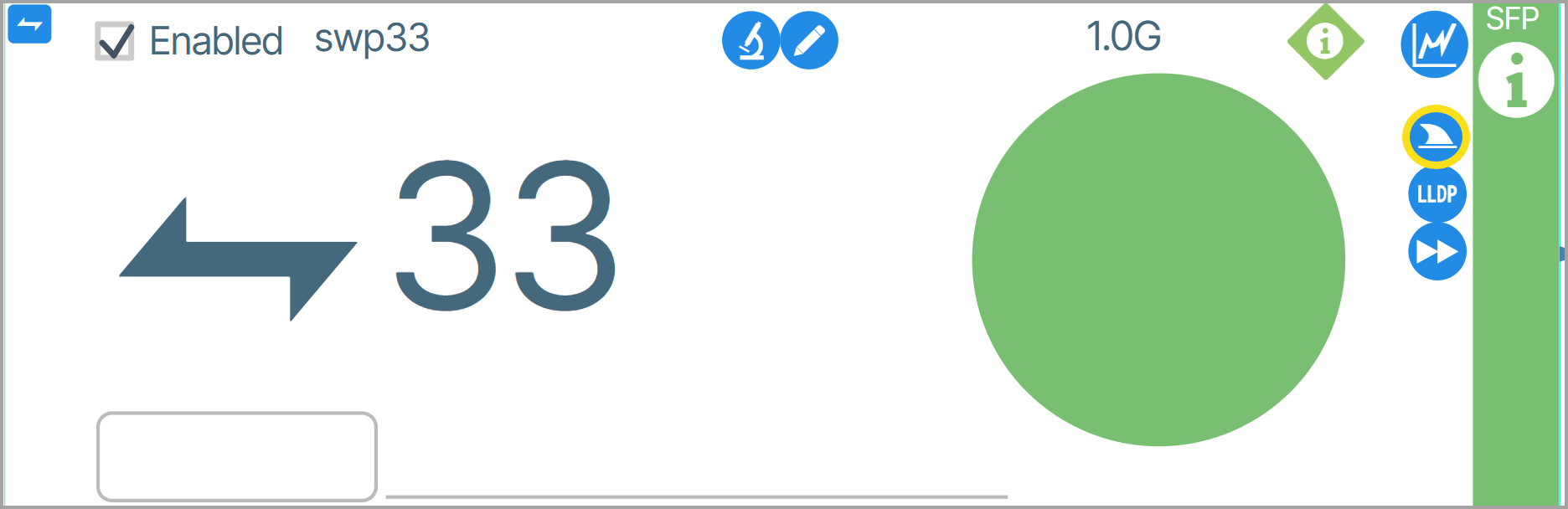
To start a packet capture, click the shark fin icon ( ).
).
The Packet Capture window appears. Enter the parameters for the data you want to capture and click Start.
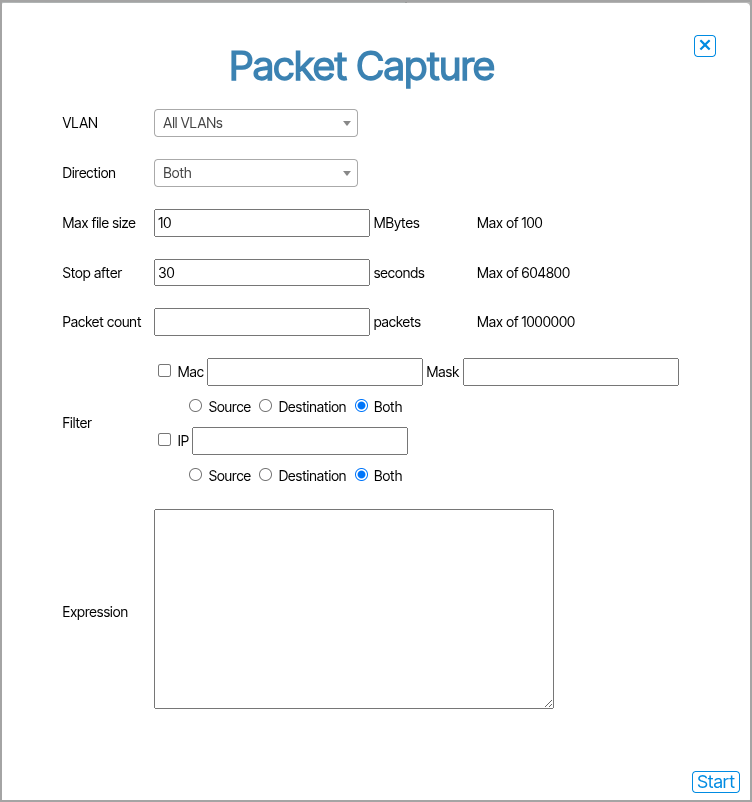
When data capturing is complete, a pcap file containing the information will be downloaded to your computer.