Tenancy🔗
The Tenancy section allows administrators to configure:
Tenants, Services, and Gateways are displayed in a collapsible tree view.Each Tenant groups its associated Services and Gateways as child nodes beneath it, and each Service and Gateway parent node contains its own child nodes. 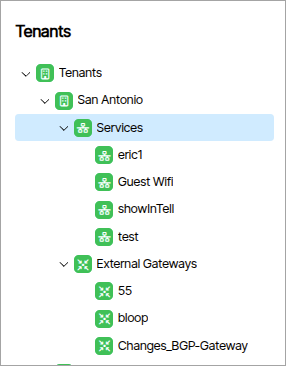 .
.
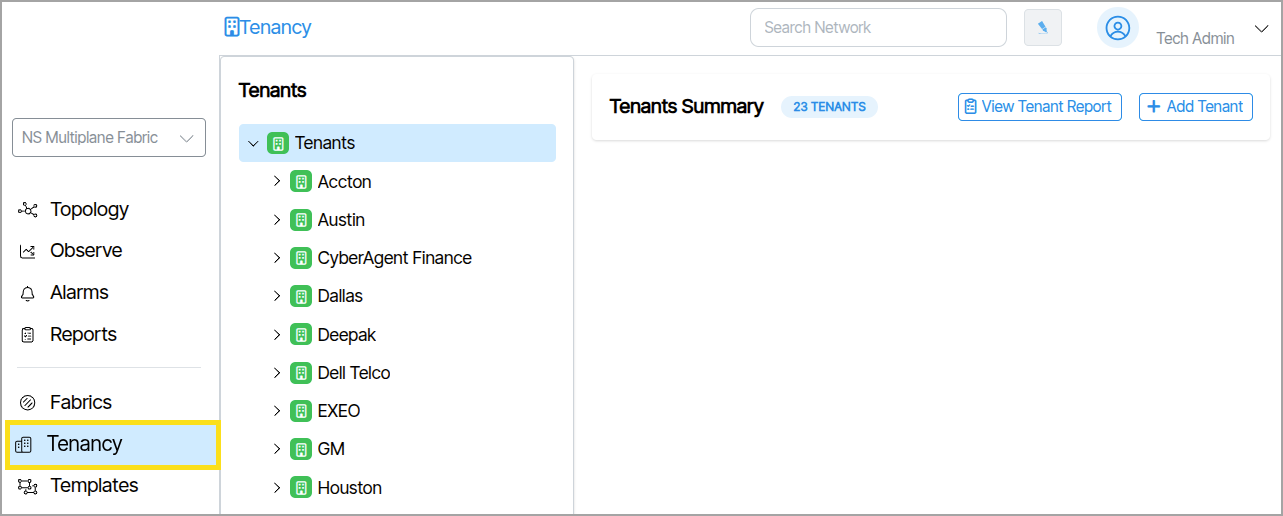
Tenant Tree View Icon Color🔗
Icons display as either green (enabled) or grey (disabled).
Gateway and Service Parent Node Information🔗
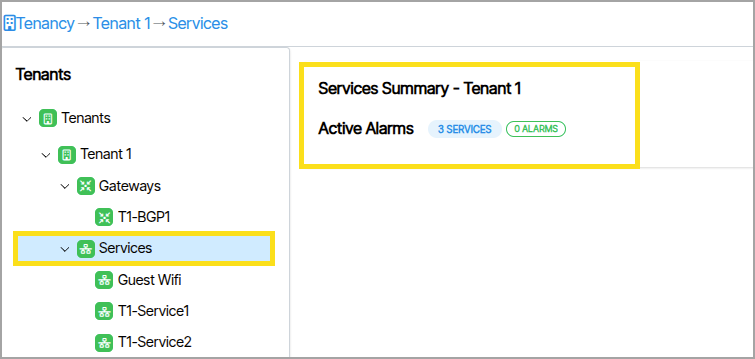
Selecting the parent nodes of Gateways or Services displays additional group information that includes the item count and number of active alarms.
Configuration.🔗
Clicking a Tenant, Service or Gateway reveals the configuration parameters for the selected object.