Templates
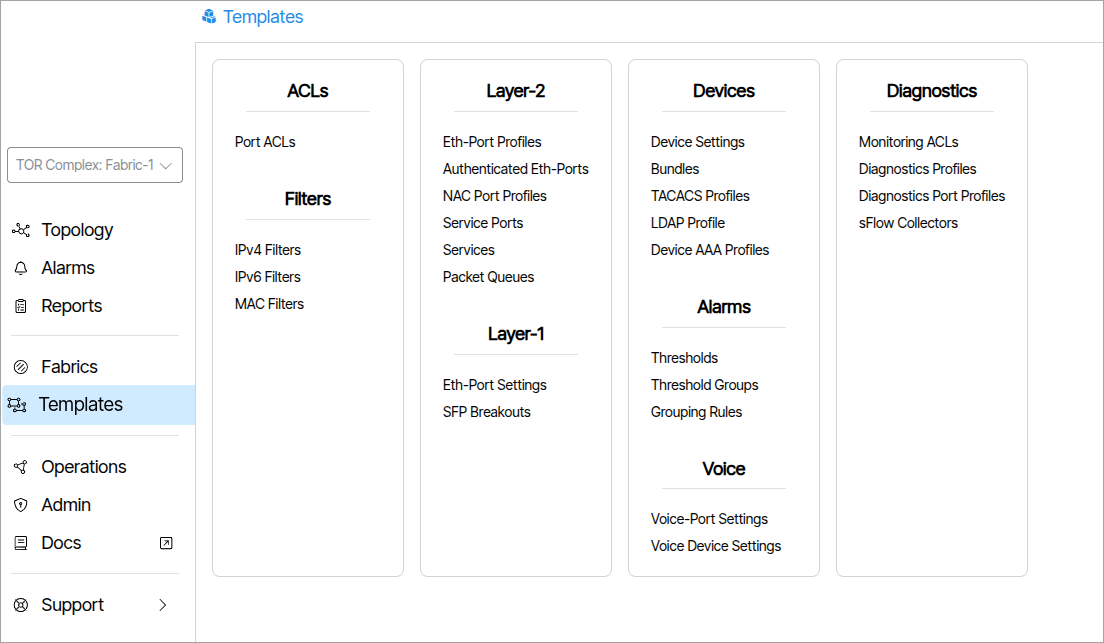
The Templates section is composed of tools used to configure and create reusable network device settings and policies.
More Information: Templates
Authenticated Eth-Ports๐
An Authenticated Ethernet Port profile is comprised of a list of Ethernet Port Profiles. This feature is used on networks that employ user detection and authentication via 802.1x protocols. The Managed End Device communicates to connected user devices as they connect to the assigned port, and relay control messages to a Radius server, to validate the user and select and enable the appropriate Ethernet Port Profile on the port.
The โSettingsโ section allows a change in the connection mode the user device contains, ranging from 3 different modes. Port Mode, which is the standard mode, Single Client Mode which disables traffic from a second client, only allowing the authenticated clientโs traffic to pass. Lastly, Multiple Client Mode which allows multiple clientsโ traffic to pass.
Walled Garden: A restricted network that a device gets dropped into when it hasn't authenticated (or can't). Typically it only allows access to basic features like a login portal or a remediation server, not the real network. "(No Provisioning)" here means no walled garden is set up and there no fallback network.
Failed Action: Specifies how the port responds when authentication fails. When set to "None", no additional action is taken and the device is denied network access. Other options may redirect the device to a restricted network, such as the walled garden.
Enable: Turns row on or off without deleting it.
Eth-Port Profiles: The Ethernet Port Profile this row points to. "(No Provisioning)" means nothing has been picked yet, so the row is effectively empty.
RADIUS filter-id: This is a matching key. When a user authenticates, the RADIUS server sends back a Filter-Id value (a standard RADIUS attribute, just a text string). The switch compares that string against this column, and whichever row matches is the Ethernet Port Profile that gets applied to the port. In this way, the Filter-Id maps an authenticated user's identity to the Ethernet Port Profile assigned to their port.
Authentication Workflow Summary
When a device connects to the port, the switch forwards its credentials to the RADIUS server for validation. Upon successful authentication, the RADIUS server returns a Filter-Id attribute. The switch matches this value against the RADIUS filter-id entries in the profile and applies the corresponding Eth-Port Profile to the port. If authentication fails, the Failed Action and Walled Garden settings determine how the port handles the device.
Eth-Port-Profiles (n)๐
An Eth-Port-Profile contains:
- A collection of Services. Each Service has its own VLAN settings, plus optional ingress/egress ACLs and a MAC filter for that Service's traffic.
- Profile-level settings that apply to the whole port: - Default Port ACL (ingress and egress) - Details: Port Monitoring and Trusted Port - Port Labeling: a label and icon - TLS
Service Ports๐
Service Ports are normally assigned to links or LAGs connected to the TOR switch of the network. The user can edit the maximum downstream rate allowed on a per service basis. Other parameters such as spanning tree and port monitoring are set on the physical link.
Bundles๐
A Bundle is a group of settings used to configure, program and set the state of a switch or ONT.
For more information read: How to Create a Bundle.
Voice Port Settings๐
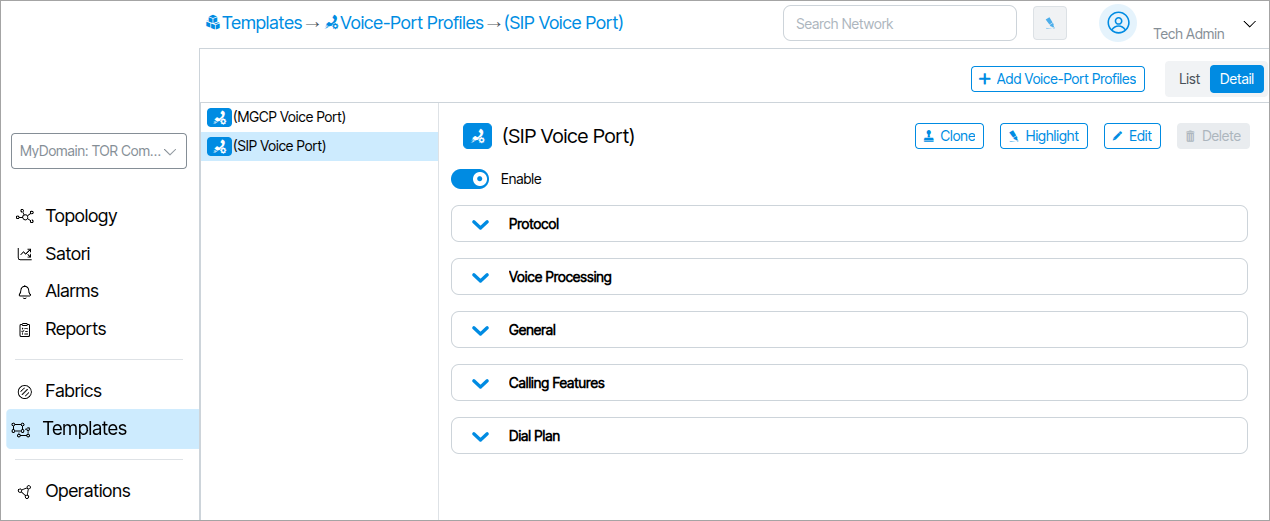
Voice Port Settings contain parameters related to VoIP protocols, interfaces and related features. An example of a Voice Port Setting is shown below. It covers various voice settings and features that are port specific.
Voice Port Settings can be accessed from within the rendered ONT in Topology (
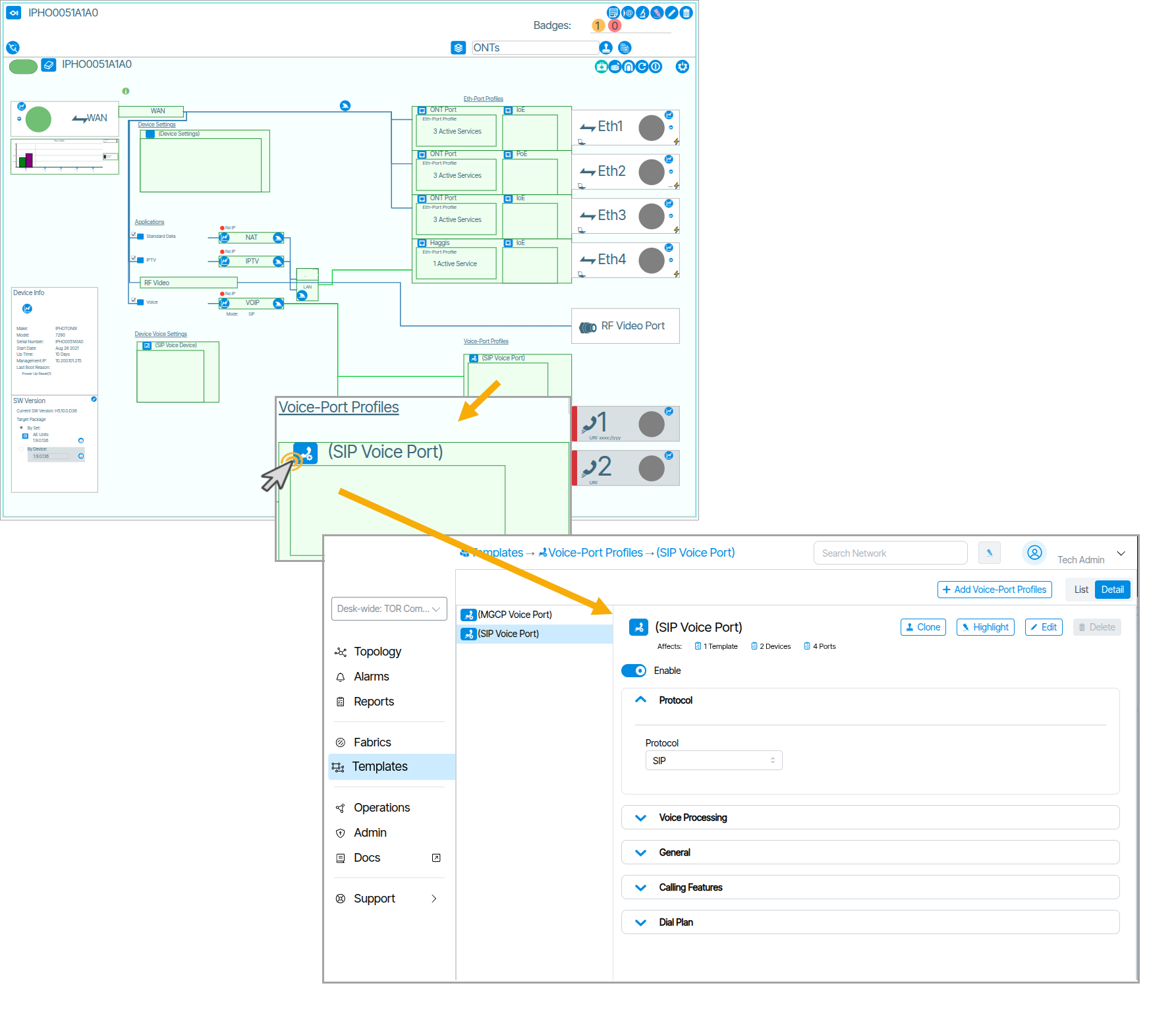
).
Voice Device Settings๐
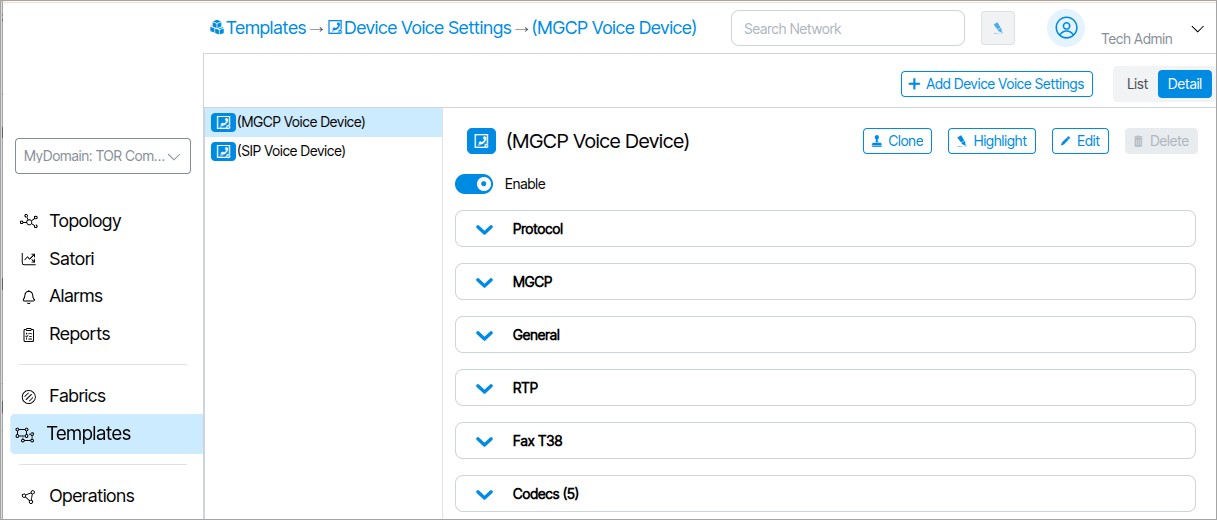
Voice Device Settings are the settings used for configuring the VOIP stack on the ONT. There are two formats for the protocol field based on whether SIP or MGCP is used. Voice Device Settings can be accessed from within the rendered ONT in Topology (
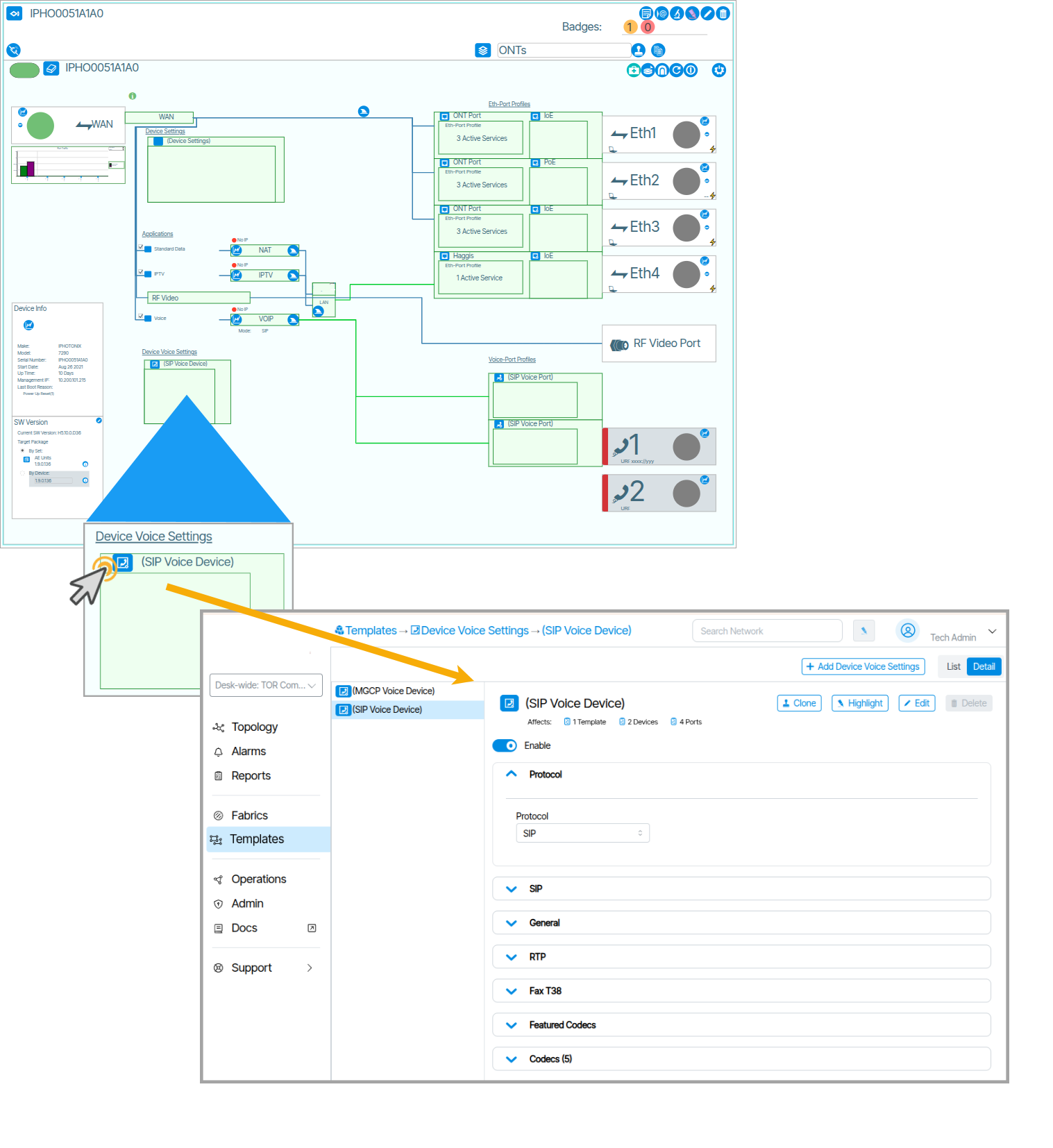
).
Eth-Port-Settings๐
An Eth Port Setting is a reusable profile that defines how a physical Ethernet port behaves at Layer 1 and Layer 2.
Spanning Tree๐
Spanning Tree (STP) is a protocol that stops network loops when switches are connected in a circle. Spanning Tree parameters are configurable in Eth-Port-Settings.
Checking STP Enable and BPDU Guard reveals the BPDU Guard Port Disable option.
The Spanning Tree type (VLAN, PORT, MST) is controlled in the Fabrics Settings.