Spectrum X Fabric Device Import🔗
Create the Fabric before importing device information. If you have already created the Fabric, jump to the section below titled Import Device Information.
Creating a Fabric🔗
To create a new fabric:
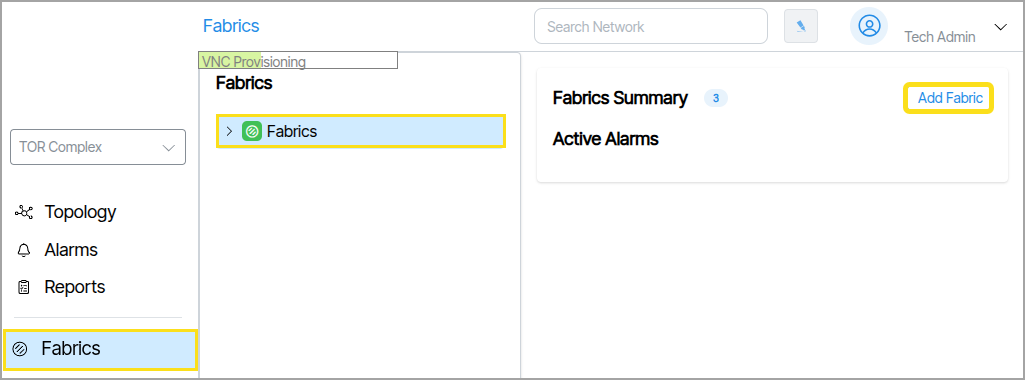
- Navigate to Fabrics → Fabric Collection.
- Click the Add Fabric button. This will launch a form to select the Fabric type and enter details.
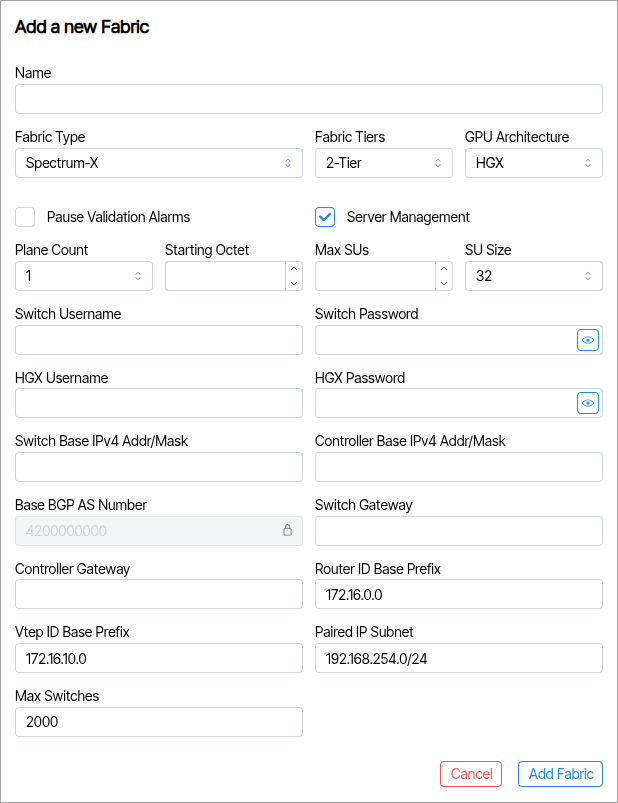
The Fabric Type needs to be set to a Spectrum X Tier Fabric. All other fields are required. When completed click Add Fabric.
Import Device Information🔗
After creating the Fabric, use the import file to bring in device information. The image below shows a sample device import file. The site name is PGA-Complex — in a real-world system, the fabric importing this file would share the same name.
A example of this file titled FCA Verity Import Example File HGX is available in Downloads
To import the file go to Operations → Import/Export (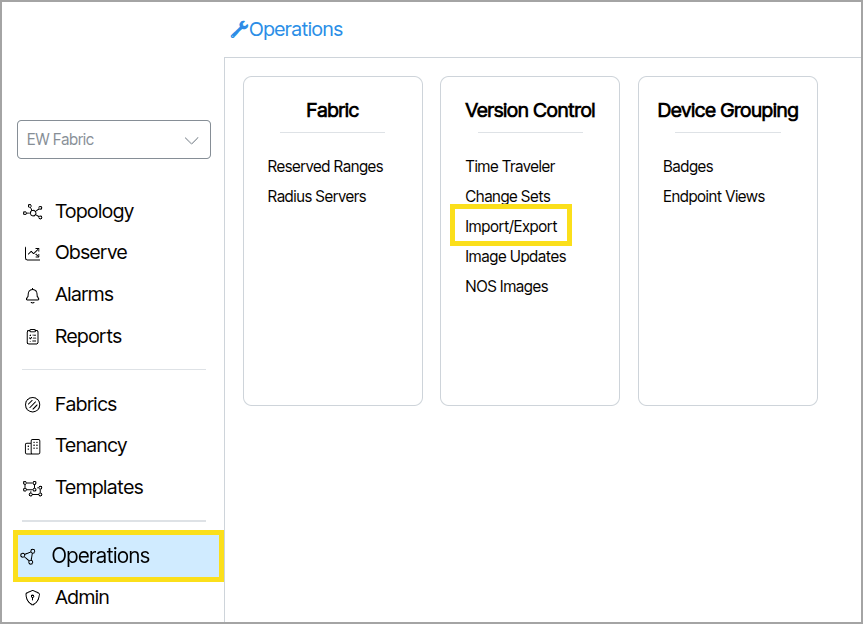 ). Click Import and select the file.