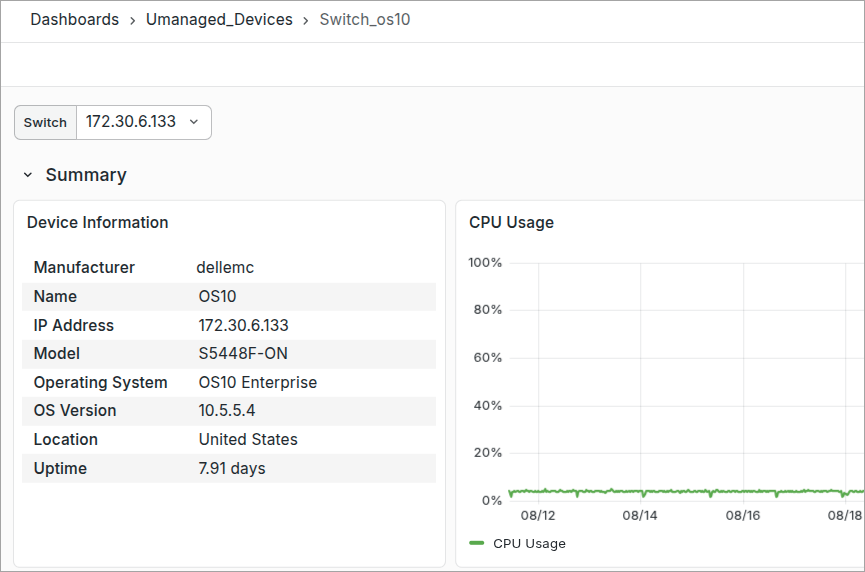
Dell OS10 Monitoring🔗
Verity supports monitoring of Dell OS10 devices via SNMP. Using the standard SNMP methods, Verity will regularly poll added devices and display the gathered statistics in device dashboards.
Configuring OS10 Monitoring🔗
- Configure OS10 Switches with a "snmp_importer" read-only community string using the switch device terminal.
- Monitoring accepts a plain-text file named "os10.txt" containing a single IP address per line (Switch IPs only). Upload it in the Verity GUI via Admin → Config File under Vendor Config. After a poll, the system updates using those IPs and fetches SNMP metrics from the switches.
- Navigate to Observe → Unmanaged Devices → Switch_OS10 and Port_OS10 to verify the IPs in the dropdown and view metrics for each device.