Applications🔗
<<<<<<< HEAD Applications are VLANS that are configured at the switch level. The configuration is performed from within the Applications tile.
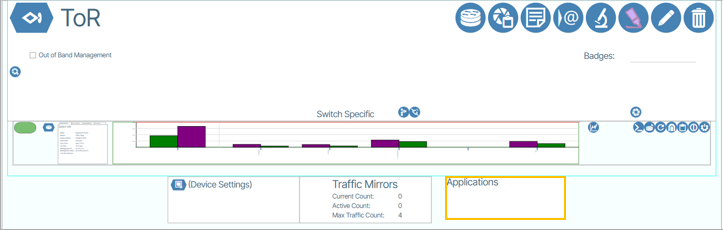
 🔗
🔗
Applications enable users to select VLAN interfaces and configure IP address assignments for those interfaces on the switch. This feature enables network segmentation and service configuration by allowing users to associate IP addresses with defined Services.

Each Service represents a logical grouping of VLAN configuration parameters, providing a streamlined approach to network resource allocation and traffic management.

IP-to-VLAN Mapping🔗
To perform the IP-to-VLAN mapping you need to edit-enable ( ) the Applications tile.

main
You then select the desired Service from the Service drop-down menu.

Under the field titled Source IP/MASK, type the desired IP/MASK.

Enable the change  and save the edit (
 ).
).