Badges🔗
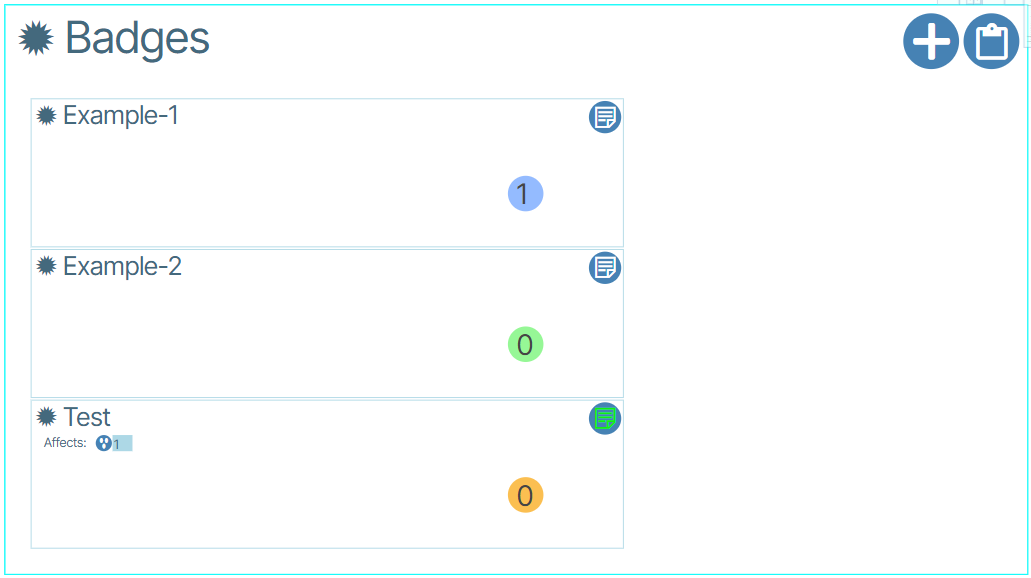
Badges group devices visually. Administrators assign each badge a name, a color, and a number.
Creating and Assigning Badges🔗🔗
- Double-click Topology and click Network View. Enable focus of a selected device.
- Click the Open for Edit button (or double-click the Badges field).

- Click set badges icon.

- Enable the check-box next to the phrase Create New Badge.
- Set a Name, Color and Num for the badge.
- Click Yes to create the badge.