Component JSON🔗
Component JSON is a feature of the Import/Export Workbench.
This feature lets you export a JSON file containing data associated with a selected component. Components include Tenants and Route Maps.
Introduction🔗
Components such as Tenants make references to other user-configured tools like Services and BGP-Gateways. Component JSON is a tool used to bundle components with their user-configured dependencies in an exported JSON file. Importing components into a system using this feature will include all related dependencies and user settings.
To use this feature, follow these steps:
Export Process🔗
- Open the Import/Export Workbench.

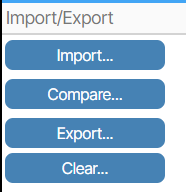
- Click Export.
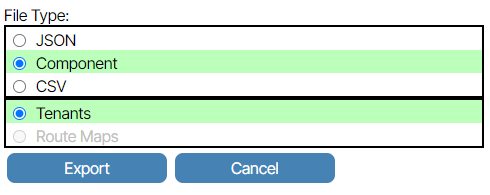
- Select Component and the component type, such as Tenant or Route Map. In the image below, the component type selected is Tenant. If the component type has not been created, it is grayed out. After you’ve made your selections, click Export.
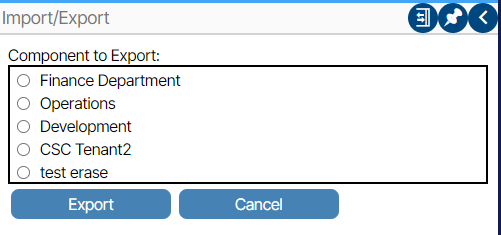
- You will be provided with a list of all components of your chosen type. Select the one you want and click Export. The JSON file is immediately downloaded to your local machine.
Import Process🔗
Data saved in the JSON file is imported by following these steps:
- Open the Import/Export Workbench.
- Click Import.
- A prompt will appear to select the JSON file from a directory on your computer.